Stefan Teubes

WordPress security, from the inside

Security reviews for WordPress and WooCommerce sites, by a developer who builds them: clear findings, evidence and fixes you can act on.

Agency or developer enquiry
Request a review

Updated isn’t the same as reviewed

A WordPress site is built up over years, from parts written by different people.

A theme, plugins from many authors, custom features, payment and marketing integrations, and accounts with different levels of access. Keeping it all updated matters. It doesn’t tell you how those parts behave together, or which of a scanner’s warnings matter for your site.

None of this means your site has a problem. A focused review tells you where you stand, and what, if anything, to fix first.

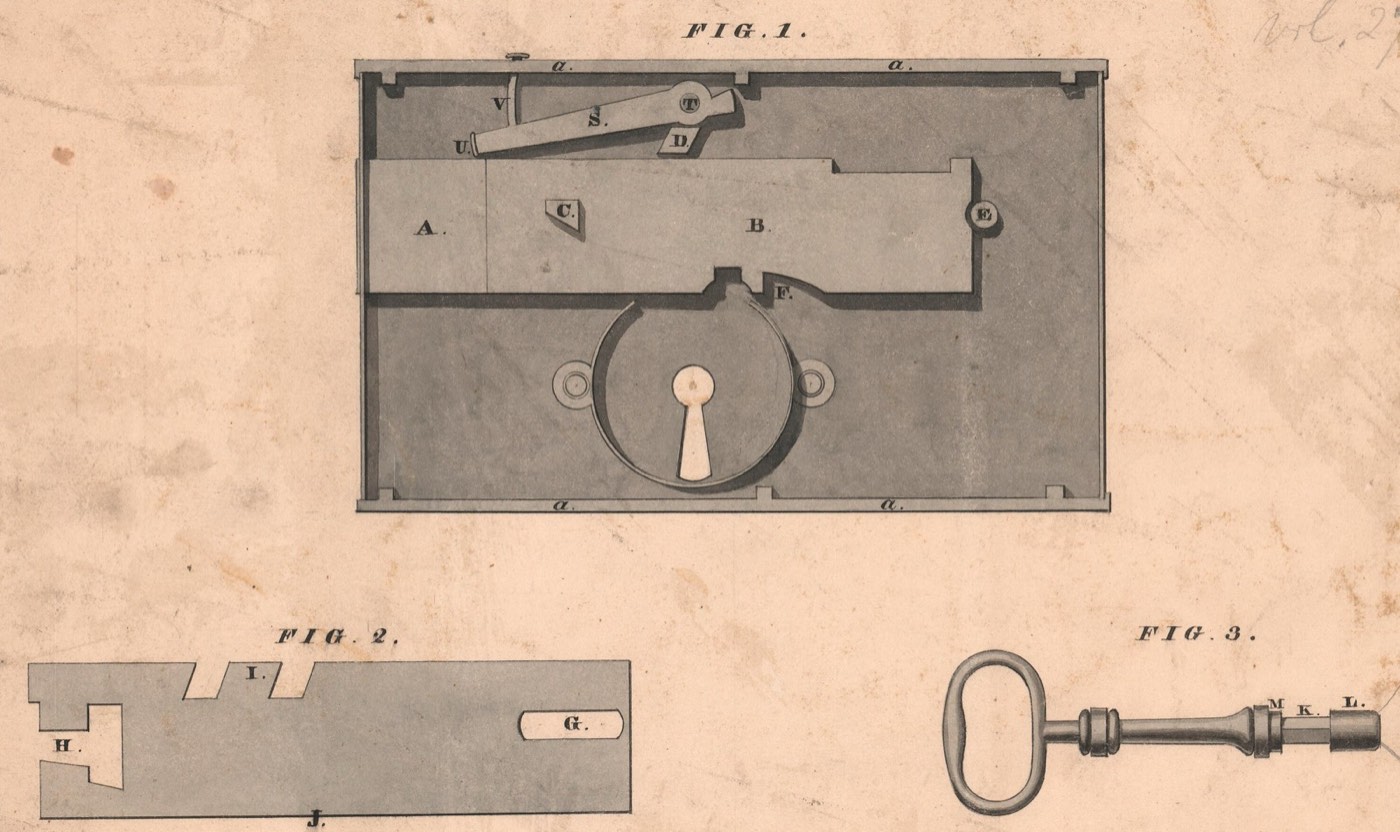
Patent drawing of a lock with its case open: the bolt, tumbler and keyhole inside, with the bolt and key drawn separately below.
Solomon Andrews’ lock, from his patent drawing of 1836.

What a review can cover

Every review is scoped to your site, your concerns and the access you can provide, and every validated issue comes with a practical fix. Tell me what your site has and see where a review would start.

Draft scope

A starting point for our first conversation.

Areas to look at
  • Core and plugins
  • Exposed data
  • Further areas that match your site
Access I’d ask for
  • The site’s address
  • A staging copy, if one can be made
Agreed in writing before testing

Authorisation from the site owner, the testing window, and anything that’s off-limits.

What you receive

Each finding says what was found, where, and why it matters, in words you don’t need to be a developer to follow.

In plain
language

Every issue is checked by hand before it’s reported, with the requests, responses or steps that reproduce it. Anything unconfirmed is labelled that way.

With the
evidence

Each finding explains the realistic impact on your business, your data and your customers, and is ranked by likelihood and impact, so you know what to fix first.

Ranked
by risk

Practical guidance suited to how your site is built, from a settings change to the code your developer needs to write.

And how
to fix it

What a finding looks like

An example of how a review reports one issue, and the change it recommends. It’s a common kind of WordPress weakness: an action that checks a visitor is logged in, but not who they are.

Example findingAccess controlHigh priority

Any customer account can download the store’s order report

Where
admin-ajax.php, action export_orders, added by a custom reporting plugin.
Evidence
POST /wp-admin/admin-ajax.php
Cookie: wordpress_logged_in_…  # customer account

action=export_orders&range=30d

← 200 OK
{"success":true,"data":{"orders":[ … ]}}
Impact
A logged-in customer can download other customers’ names, addresses and order totals: personal data the store is responsible for.
Priority
High. Any free customer account is enough, and it exposes personal data.
Fix
Verify a nonce and check the manage_woocommerce capability before building the report. Retest with a customer account: the request should now be refused.
The recommended change. wp_ajax_ actions run for any logged-in user, so the handler has to check who is asking.
add_action( 'wp_ajax_export_orders', 'example_export_orders' );
 
function example_export_orders() {
    check_ajax_referer( 'export_orders' );
    if ( ! current_user_can( 'manage_woocommerce' ) ) {
        wp_send_json_error( null, 403 );
    }
    $range  = $_POST['range'];
    $range  = sanitize_key( $_POST['range'] ?? '30d' );
    $report = example_orders_report( $range );
    wp_send_json_success( $report );
}

One request,
two answers

The customer’s request for the order export, before and after the change. A good recommendation is specific and small, and comes with a way to check that it worked: send the same request again and it’s refused.

Before: the request succeeds and the orders come back.

After: the same request is refused.

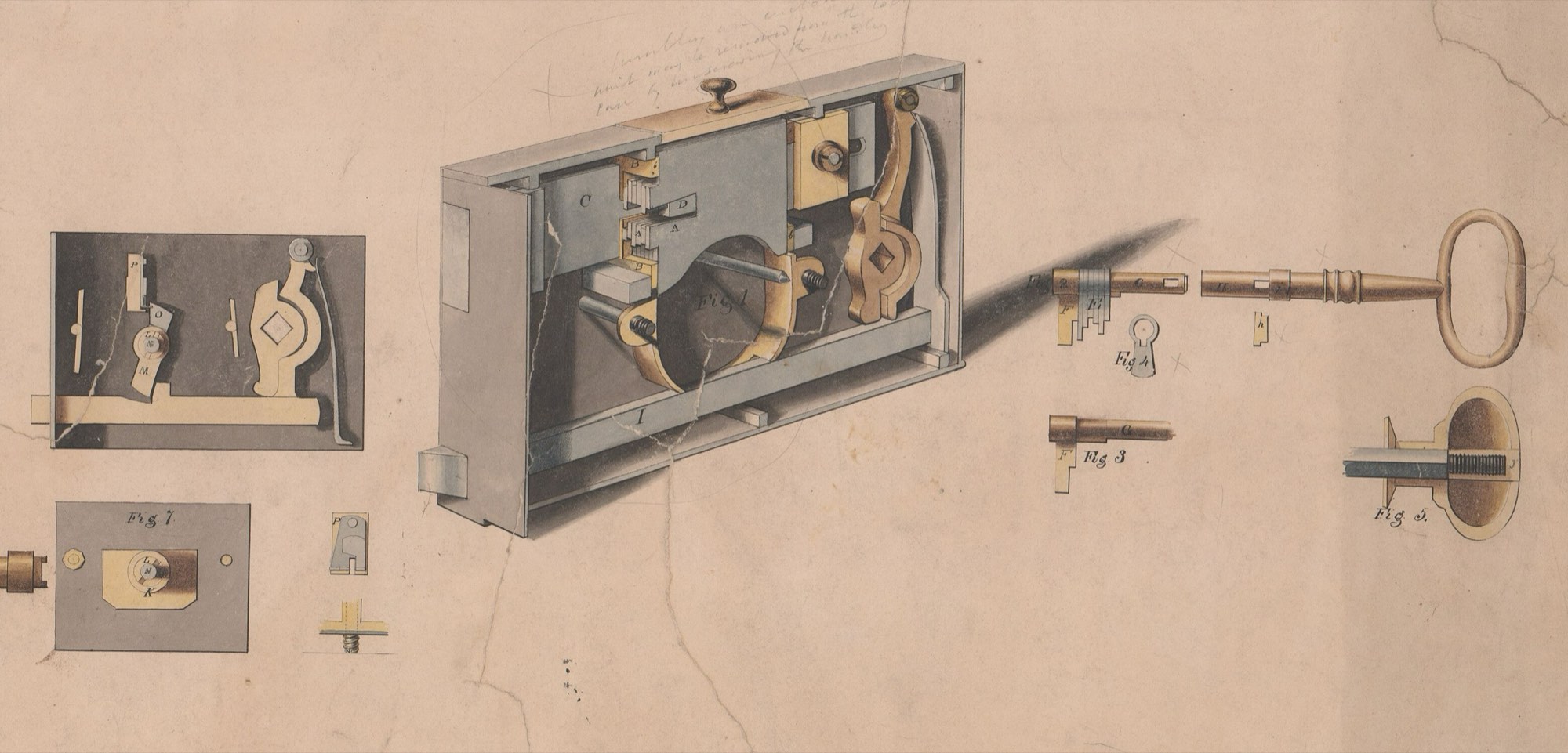
Hand-coloured patent drawing of a door lock with its case cut open to show the bolt, tumblers and brass workings, with the key drawn beside it.
James McClory’s door lock, from his patent drawing of 1837.
  • Based inSouth Africa
  • WorksRemotely, with clients anywhere
  • Day to dayWordPress and WooCommerce development

Why a developer-led review

I build WordPress sites, WooCommerce stores, custom plugins, APIs and integrations, and I work on the servers they run on. Knowing how a feature was built makes it easier to see where it can fail, and to explain the fix in terms your developer can act on.

Alongside that work, I’m continuing structured, hands-on training in web application security testing.

Background

Builds with

  • PHP
  • JavaScript and Node.js
  • Python
  • Laravel
  • WordPress and WooCommerce

Works on

  • REST APIs and integrations
  • Authentication and access control
  • E-commerce and payments
  • Linux servers and Git workflows
  • Performance

How it works

  1. First, we talk

    Tell me about your site and what’s prompting the review, and we’ll work out whether a review is the right fit.

  2. Then we agree the scope

    In writing: what’s tested, the access you provide, the testing window and anything off-limits. You get a quote for that scope.

  3. I review the site

    Within those boundaries, on a staging copy where possible, checking each issue by hand.

  4. You get the findings

    Evidence, impact, priority and fixes, and a walk-through so you can ask questions.

  5. You decide what’s next

    Fix it with your own developer, or agree remediation support separately.

Agencies and developers

An independent second look before a launch, after major changes, or when a client asks about security.

Findings are written by a developer, for developers. How we work together is discussed case by case.

Discuss agency support

Tell me about your site. Nothing is tested until we’ve agreed the scope and permission in writing.

Request

Questions

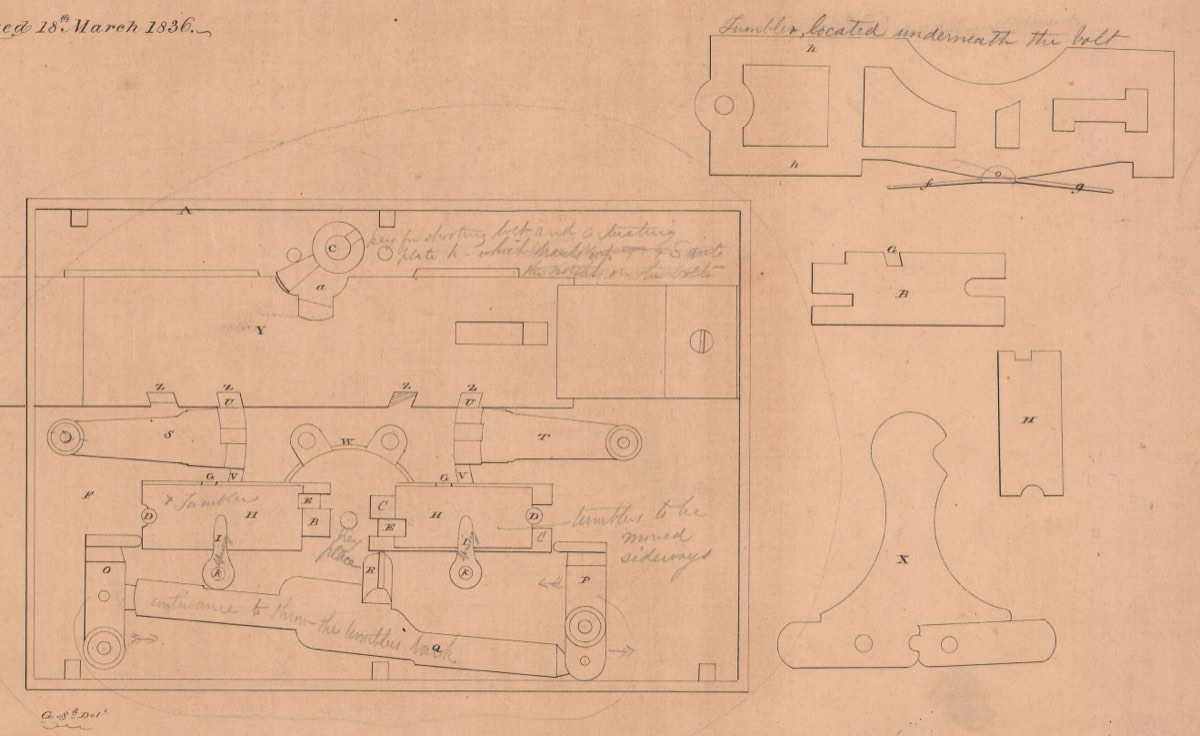
Line drawing of a lock mechanism with handwritten notes beside its parts, such as “tumblers to be moved sideways”.
James McClory’s door lock, with handwritten notes, from his patent drawing of 1836.

What is a WordPress security review? A scoped, hands-on check of a WordPress or WooCommerce site for weaknesses an attacker could use: in its plugins, theme and custom code, its configuration, how logins and user roles behave, and the endpoints it exposes. Each issue is confirmed by hand and reported with evidence, its impact, a priority and a practical fix.

When is a review worth doing? Common reasons are a site that takes payments or holds customer data, custom features or integrations, many staff or customer logins, a site that has grown for years without a close look, a change of developer or agency, or a client asking about security.

What does a review include? That depends on the agreed scope. Together we decide which areas apply to your site, what access is available and what’s out of bounds, so you know exactly what’s covered before anything starts.

Do you need my permission to test the site? Yes, always. Testing only happens with written authorisation from the site owner, or someone with the authority to grant it, and only within the agreed scope and testing window. If a third party hosts or manages your site, their terms may need checking too.

What access will you need? It depends on the scope. Some checks need only the site’s address. Logged-in behaviour usually needs test accounts for the relevant roles, such as customer, editor or shop manager. A staging copy is preferred. Admin, hosting or code access is only requested when the agreed scope needs it.

Could testing disrupt my site? Testing is planned to keep that risk low: a staging copy where possible, potentially disruptive tests agreed in advance or left out, and live testing at quieter times. No testing is entirely risk-free, so a recent backup you know you can restore is recommended.

Is this a penetration test, a security audit or a malware scan? It’s a focused security review of the agreed scope. People often call that a security audit, but it isn’t a compliance audit or certification, and it won’t produce a certificate saying your site is secure. A malware scan looks for known malicious code; a review looks at how your site is built and set up. If you need something broader, I’ll tell you.

Do I need a review if I already use a security plugin? A security plugin is worth having: it can block common attacks, flag known vulnerable plugins and watch logins. It can’t tell whether your custom features, integrations or plugin endpoints check who is asking, or which of its warnings matter for your site. A review covers that, and the two work well together.

What will I receive? The validated findings, each with supporting evidence, the potential impact, a risk-based priority and practical remediation guidance. The exact format is confirmed when we agree the scope.

Can you fix the issues you find? Remediation support can be discussed once you’ve seen the findings. You’re equally free to have your own developer or agency make the changes; the guidance is written so they can.

How much does it cost, and how long does it take? Both depend on the size of the site and the agreed scope, so there’s no fixed price. After a first conversation you’ll receive a quote and an expected timeframe.

Do you work outside South Africa? Yes. I’m based in South Africa and work remotely, so enquiries from elsewhere are welcome.
Request a review

Tell me a little about your site and I’ll reply by email to talk through your concerns and whether a WordPress security review is a good fit.

If it is, we agree the scope, access and testing window in writing, and you get a quote for that scope. An enquiry doesn’t commit you to anything.

Prefer email? hello@stefanteubes.online

The site you’d like reviewed, or your agency’s site.

I’m enquiring as a…

What’s prompting the review? Please don’t include passwords or login details.

Your details are only used to reply to your enquiry.